The lasagna problem: why your website has more technical debt than you think
The moment you treat accessibility as a compliance checkbox, you have already failed.
You receive an email from your legal team or an angry user pointing out that your website is excluding people with disabilities. Panic sets in. You scramble to find a plugin, an overlay, or a quick-fix widget that promises instant WCAG 2.2 AA compliance. You paste a snippet of code into your header, a little icon appears in the corner of your site, and you breathe a sigh of relief.
You think the problem is solved, but it is not.
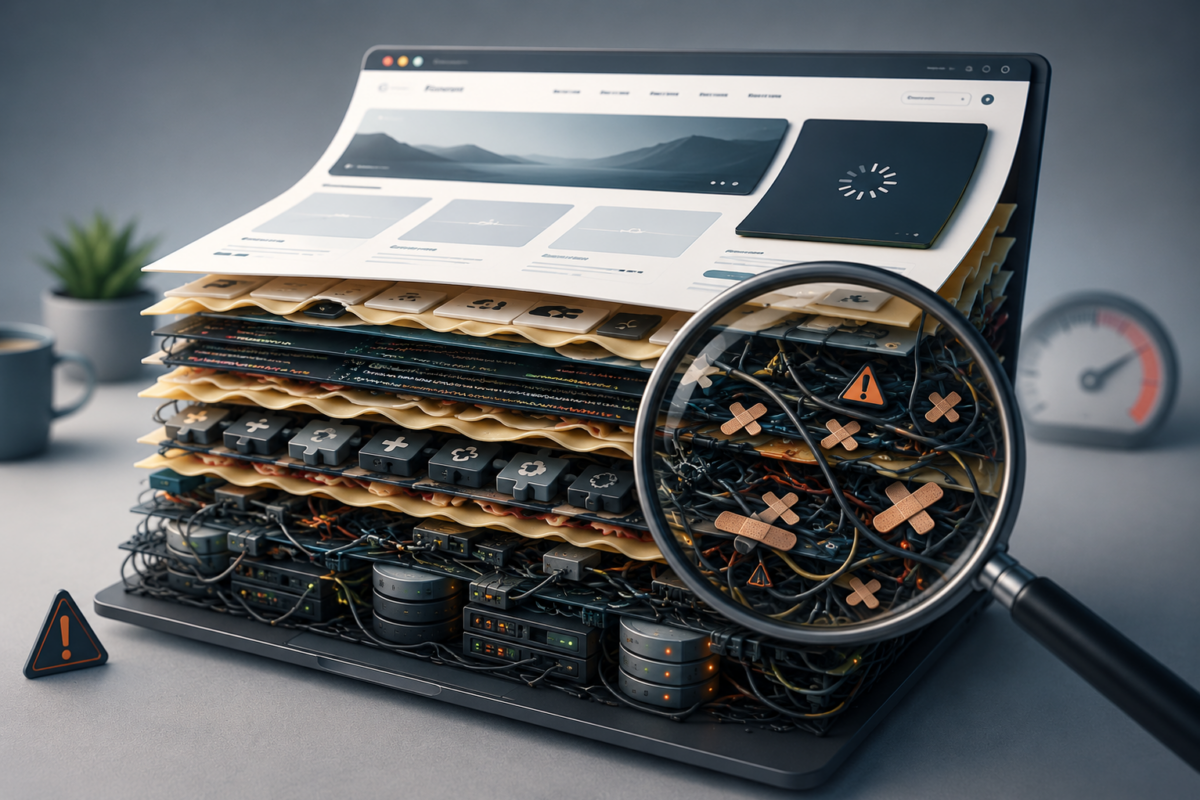
You have just put a band-aid on a broken foundation.
Accessibility is not something you can bolt onto a website after it is built. It is not a feature you can toggle on and off. When you treat web accessibility guidelines as an afterthought, you build digital environments that are inherently hostile to the people who need them most. At Marameo Design, we see this constantly in health research, education, and government sectors. We believe that a website that excludes people is an unfinished website. WCAG 2.2 AA is not a legal hurdle to clear; it is the baseline standard for human-centred digital infrastructure.
We need to stop talking about accessibility as a feature and start treating it as infrastructure.
The conventional approach treats web development like building a house where accessibility is the wheelchair ramp bolted to the back door just before final inspection. That framing is the problem. It positions accessibility as something you do for a subset of users, rather than what it actually is: the discipline of building correctly in the first place.
When you build with WCAG 2.2 AA as your baseline, you are not making concessions. You are applying best practice. Semantic HTML makes your content easier for search engines to index. It makes it easier for Large Language Models to interpret, cite, and surface your research. Clear heading hierarchies help a screen reader user navigate your site and help every other user skim it faster. Clean keyboard navigation supports someone with a motor impairment and anyone using a laptop trackpad on a bumpy train. The performance improvements, the SEO gains, the LLM-readability, the mobile usability. None of that is a side effect of accessibility. It is what accessibility is.
This is why at Marameo we build custom block libraries in WordPress and Drupal that make accessible output the default. We are one of the few agencies in Australia with the technical depth to do this properly. When accessibility is enforced at the component level, your editors cannot accidentally publish a broken page. The standards are not a checklist someone reviews before launch. They are baked into the system itself.
The performance improvements, the SEO gains, the LLM-readability, the mobile usability. None of that is a side effect of accessibility.
It is what accessibility is.
We need to stop talking about accessibility as a feature and start treating it as critical infrastructure.
The conventional approach treats web development like building a house, where accessibility is the wheelchair ramp added to the back door just before the final inspection. The Marameo perspective is fundamentally different. We believe accessibility is the foundation, the framing, and the very layout of the building itself. If the structure is not accessible from the ground up, it is structurally unsound.
When you build with WCAG 2.2 AA as your baseline, you are not designing for a minority. You are building something that works better for everyone. Accessible websites load faster. Clean semantic HTML is easier for search engines to index and easier for Large Language Models to interpret and cite. Clear heading hierarchies help a screen reader user and a researcher skimming on a phone. When you design for the edges, the middle takes care of itself.
Accessibility cannot wait until the design phase, let alone development.
It needs to be baked into the strategic brief from day one, not because you have identified vulnerable user groups, but because accessible design is simply better design. A clear heading hierarchy helps a screen reader user and a tired researcher skimming on their phone at 11pm. Clean keyboard navigation supports someone with a motor impairment and anyone whose mouse has just died. When you design for the full spectrum of human experience, you build something that works for everyone.
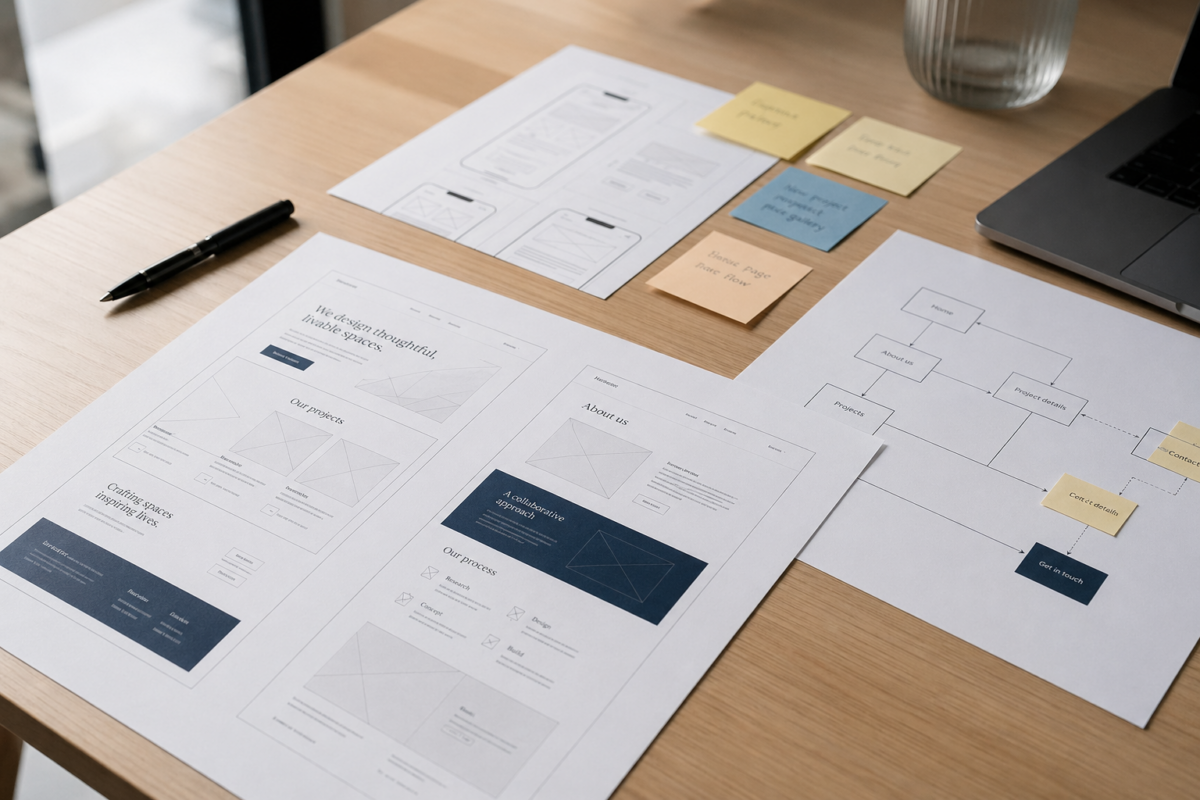
During the Discovery Workshop, this is where accessibility stops being abstract. We map the content, the user journeys, and the data architecture before a single wireframe is drawn, because if the structure is wrong at that stage, everything built on top of it is compromised.
Accessibility cannot wait until the design phase, let alone development.
It needs to be baked into the strategic brief from day one, not because you have identified vulnerable user groups, but because accessible design is simply better design. A clear heading hierarchy helps a screen reader user and a tired researcher skimming on their phone at 11pm. Clean keyboard navigation supports someone with a motor impairment and anyone whose mouse has just died. When you design for the full spectrum of human experience, you build something that works for everyone.
During the Discovery Workshop, this is where accessibility stops being abstract. We map the content, the user journeys, and the data architecture before a single wireframe is drawn, because if the structure is wrong at that stage, everything built on top of it is compromised.
If an agency leads with an overlay or a widget as their accessibility solution, that is your cue to walk away. These tools frequently interfere with native screen readers and introduce new barriers while claiming to remove them. They are a band-aid sold as surgery.
Real accessibility lives in the code and how the site was built. Your CMS should output semantic, accessible code by default, so your editors can focus on their content rather than policing their markup.
If an agency leads with an overlay or a widget as their accessibility solution, that is your cue to walk away. These tools frequently interfere with native screen readers and introduce new barriers while claiming to remove them. They are a band-aid sold as surgery.
Real accessibility lives in the code and how the site was built. Your CMS should output semantic, accessible code by default, so your editors can focus on their content rather than policing their markup.
Automated scanners are useful for catching low-hanging fruit, but they will never tell you what it actually feels like to use your site.
Unplug your mouse and try navigating with the keyboard alone. Open a screen reader and listen to how your content sounds. Better still, bring in people with disabilities and watch where they get stuck.
Their lived experience will surface barriers that no algorithm can detect, and the conversation that follows is usually the most useful one you will have about your website.
Automated scanners are useful for catching low-hanging fruit, but they will never tell you what it actually feels like to use your site.
Unplug your mouse and try navigating with the keyboard alone. Open a screen reader and listen to how your content sounds. Better still, bring in people with disabilities and watch where they get stuck.
Their lived experience will surface barriers that no algorithm can detect, and the conversation that follows is usually the most useful one you will have about your website.
Your website will only stay accessible if your communications team can actually use the CMS. When editors are fighting a system that wasn’t built for them, accessibility is the first thing to slip. Alt text gets skipped. Heading hierarchies get mangled. Inaccessible PDFs get uploaded because it was the path of least resistance.
This is why we build custom block libraries that make the accessible choice the easy choice. When the system enforces the rules, your editors don’t need to be accessibility experts. They just need to be able to do their job.
Your website will only stay accessible if your communications team can actually use the CMS. When editors are fighting a system that wasn’t built for them, accessibility is the first thing to slip. Alt text gets skipped. Heading hierarchies get mangled. Inaccessible PDFs get uploaded because it was the path of least resistance.
This is why we build custom block libraries that make the accessible choice the easy choice. When the system enforces the rules, your editors don’t need to be accessibility experts. They just need to be able to do their job.
A website is never ‘done done’ when it comes to accessibility. The web evolves, user needs change, and content grows. You need a long-term technical partner who treats accessibility as an ongoing commitment, not a launch-day deliverable. That means regular audits, continuous team training, and someone you can rely on years after launch.
A website is never ‘done done’ when it comes to accessibility. The web evolves, user needs change, and content grows. You need a long-term technical partner who treats accessibility as an ongoing commitment, not a launch-day deliverable. That means regular audits, continuous team training, and someone you can rely on years after launch.
You cannot fix a broken foundation overnight, but you can stop making it worse today. This week, take one concrete step toward accessible confidence.
Open your website on a desktop computer. Unplug your mouse. Now, try to navigate your homepage, find a specific piece of information, and complete your primary call to action using only the Tab, Enter, and Arrow keys.
If you get stuck in a menu, if you cannot see which link is currently focused, or if a modal popup traps your cursor, you have a structural problem. Do not reach for a quick fix. Document the barriers you encounter and use them to start a conversation with your leadership team about the true state of your digital infrastructure.
We sell clarity, and the truth is simple: an exclusive website is a failed website.
Stop treating the people who rely on your services as an edge case or a legal liability. When you embrace WCAG 2.2 AA as a core design principle, you stop building fragile façades and start building resilient digital infrastructure that serves your entire community.
If you are ready to stop bolting on fixes and start building a foundation that lasts, we need to talk.
BOOK A CLARITY CALL
Your site can be fast, inclusive, and with full accessibility compliance, without overlays or workarounds.
Let’s map out an accessibility strategy that treats inclusion as infrastructure, not an afterthought.
WCAG compliance means your site passes a technical audit against a defined set of criteria. Accessible design means your site actually works for the full spectrum of people trying to use it. The two are not the same thing. A site can pass every automated WCAG 2.2 AA check and still be functionally unusable for someone navigating by keyboard or screen reader. Compliance is the floor. Accessible design is the building.
No. Accessibility overlays are tools that claim to fix accessibility issues by injecting a layer of code over your existing site. In practice they frequently interfere with native screen readers, introduce new barriers, and give organisations a false sense of security. They are a band-aid sold as surgery. The only reliable solution is native accessibility built into the HTML, CSS, and JavaScript from the ground up.
Search engines and accessible design share the same requirements. Both need clean semantic HTML, logical heading hierarchies, descriptive alt text, and clear page structure. When you build accessibly, you are building exactly the kind of site that search engines can crawl, interpret, and rank effectively. Accessibility does not improve SEO as a side effect. They are two outcomes of the same underlying discipline.
Large Language Models interpret and cite web content based on semantic clarity. A page with a logical heading structure, clean markup, and clearly attributed authorship is far more likely to be accurately interpreted and surfaced in AI-generated answers than a page with visual formatting that relies on CSS rather than structure. As AI becomes a primary discovery channel for research and health information, semantic accessibility is no longer optional.
From day one of the strategic brief, not the design phase, not development, and certainly not as a pre-launch audit. Accessibility decisions made late in a project are expensive to fix and structurally compromised. When accessibility shapes the data architecture and user journeys before a wireframe is drawn, everything built on top of it is more robust, more maintainable, and more usable for everyone.
No. This is the most damaging misconception in web development. Accessible design benefits every user. Faster load times, cleaner mobile navigation, clearer content hierarchy, better search visibility, and improved LLM-readability are all direct outcomes of building accessibly. Designing for the full spectrum of human experience produces better websites, full stop. The disability framing is a symptom of the compliance mindset. Accessible design is simply what good web development looks like.
BOOK YOUR FREE ACCESSIBILITY REVIEW
Alternatively,
Fill in our project planner